Spectra Web
Share CT volumes instantly by sending a link
Prepare a project in Spectra desktop, export it and upload it to your Spectra Web server. Share the link to view from any device in the browser.
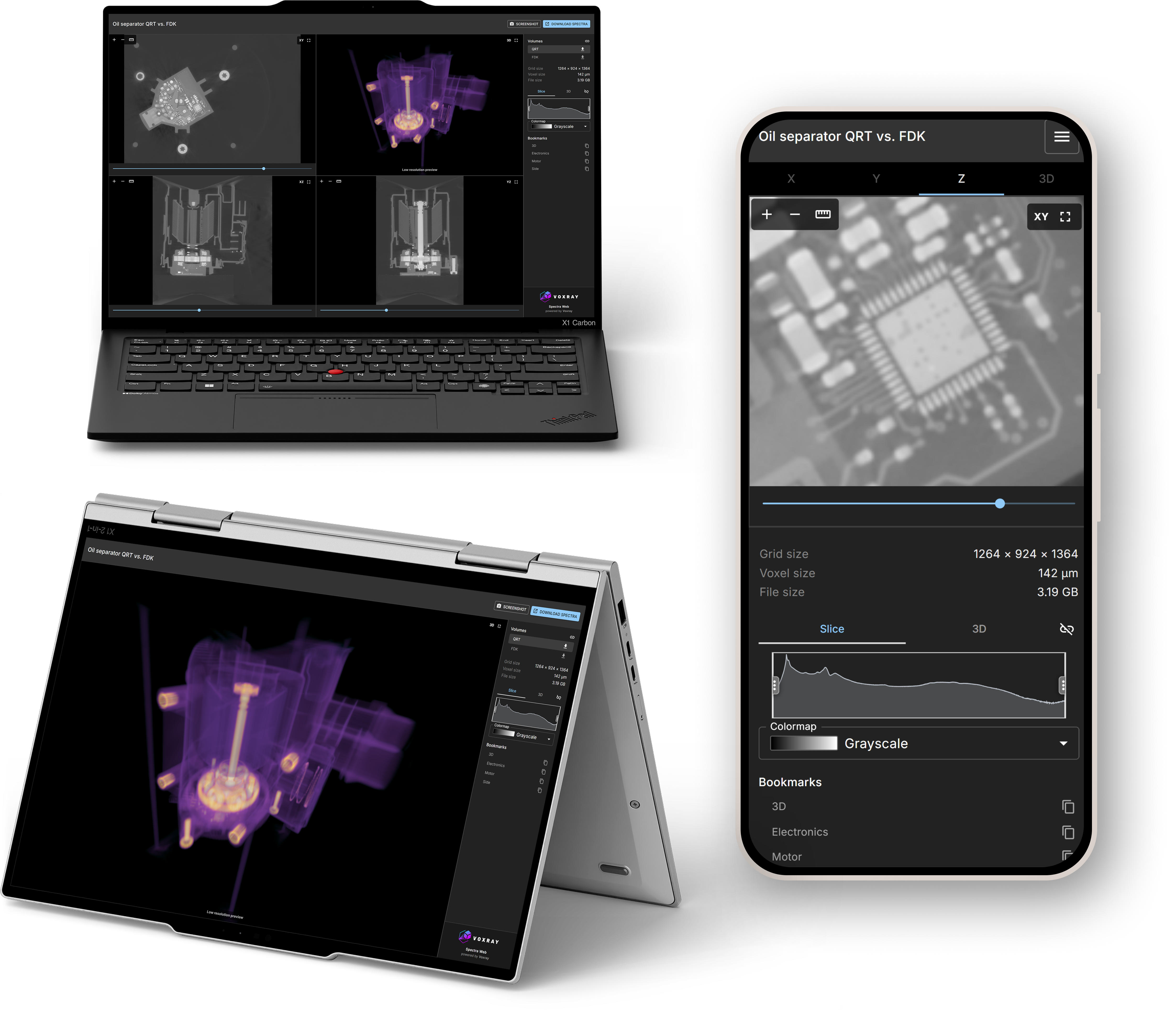
View CT data in the browser
Fast volume rendering
Review complex CT datasets with smooth interaction in the browser on any device.
Review complex CT datasets with smooth interaction in the browser on any device.
Fast, intuitive slice inspection
Inspect multi-planar slices quickly to validate details and speed up decision-making.
Inspect multi-planar slices quickly to validate details and speed up decision-making.
Fast volume rendering
Review complex CT datasets with smooth interaction in the browser on any device.
Review complex CT datasets with smooth interaction in the browser on any device.
Fast, intuitive slice inspection
Inspect multi-planar slices quickly to validate details and speed up decision-making.
Inspect multi-planar slices quickly to validate details and speed up decision-making.
Share review-ready projects
Bookmarks and share links
Share exact views with colleagues and customers without requiring desktop software.
Share exact views with colleagues and customers without requiring desktop software.
Spectra desktop workflow
Export a Spectra Web bundle in Spectra desktop, upload it to your server, then share the project link.
Export a Spectra Web bundle in Spectra desktop, upload it to your server, then share the project link.
Typical workflow
- 1. Prepare your project in Voxray Spectra desktop. Add measurements or bookmarks.
- 2. Export it and upload it to your Spectra Web server.
- 3. Share the link to view from any device in the browser.
Bookmarks and share links
Share exact views with colleagues and customers without requiring desktop software.
Share exact views with colleagues and customers without requiring desktop software.
Spectra desktop workflow
Export a Spectra Web bundle in Spectra desktop, upload it to your server, then share the project link.
Export a Spectra Web bundle in Spectra desktop, upload it to your server, then share the project link.
Access controls
Private
Restrict projects to signed-in uploaders and admins on your Spectra Web server.
Restrict projects to signed-in uploaders and admins on your Spectra Web server.
Public
Open a project to anyone with the link.
Open a project to anyone with the link.
Password-protected
Require a project password before viewing.
Require a project password before viewing.
Private
Restrict projects to signed-in uploaders and admins on your Spectra Web server.
Restrict projects to signed-in uploaders and admins on your Spectra Web server.
Public
Open a project to anyone with the link.
Open a project to anyone with the link.
Password-protected
Require a project password before viewing.
Require a project password before viewing.
Runs in every modern browser